

Independent creator
Plan a week of content in one sitting
Start with a few ideas, draft captions for each channel, and schedule what is ready. After publishing, use the available post metrics to decide what to make next.
Plan and publish content effortlessly across all your social channels. Manage everything in one smart dashboard. Work less. Grow more.



Automate, analyze, and collaborate across all your channels. Unlock your team’s full creative potential with our Platform.
Add unlimited team members, assign roles, and co-create content together in real time. Keep everyone in sync, on every campaign.

Track performance, discover trends, and get instant, AI-driven insights with beautiful visual charts. Make smarter, faster decisions.

Increasingly, composer features include AI writing assistants to help generate captions, suggest improvements to your text.

Let AI create, schedule, and publish your content to all social channels automatically. Focus on your business, while our Platform keeps your online presence active 24/7 – even while you sleep.

No more manual posting! Instantly generate, schedule, and publish engaging posts across Facebook, Instagram, X, TikTok, and more with a single click — all powered by smart AI.

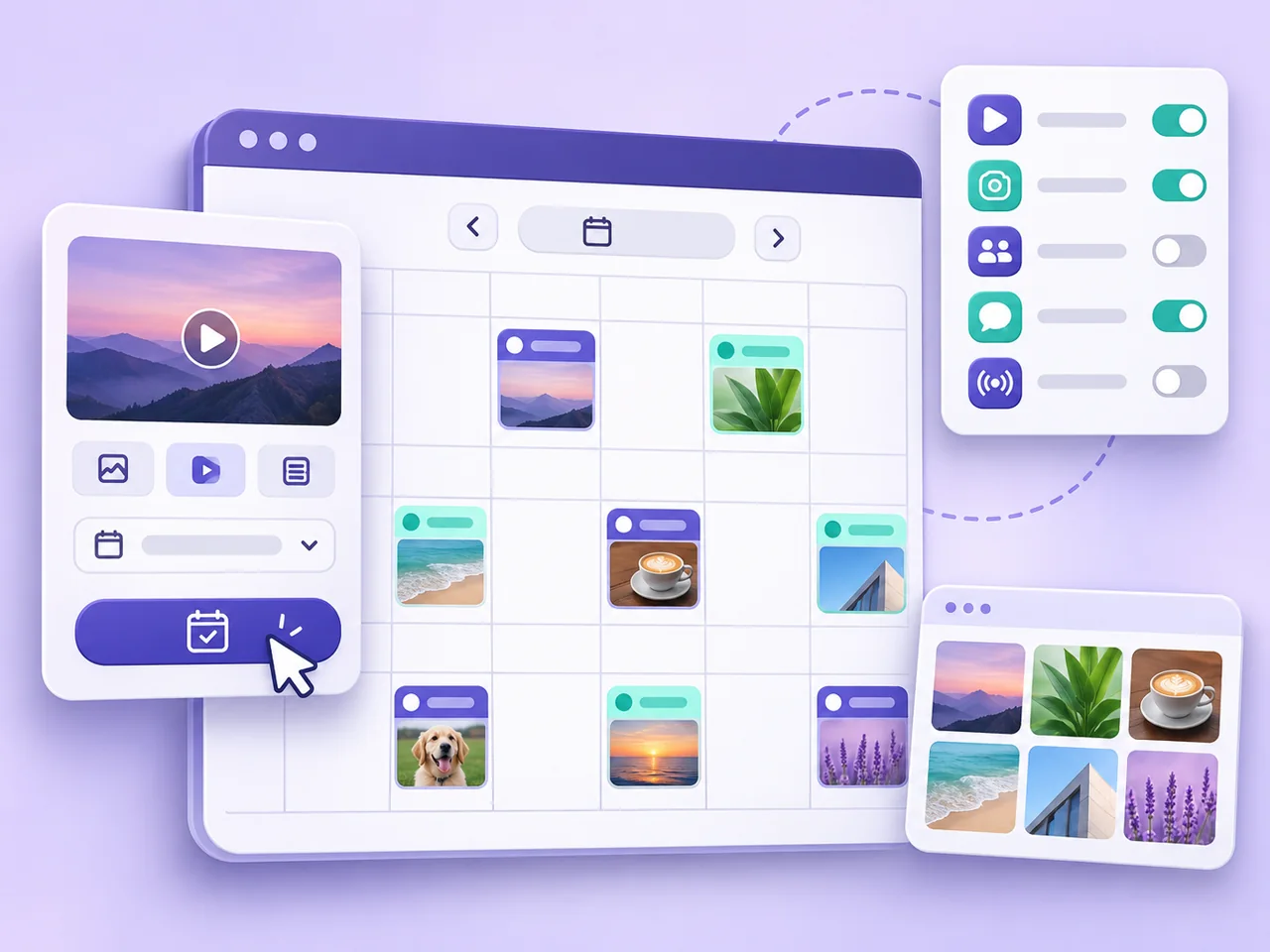
🚀 Bulk Post Feature
Create and schedule dozens of posts to multiple social networks in a single workflow. Plan campaigns, automate your posting calendar, and reach your audience on every channel—faster than ever before.
Upload or create multiple posts at once and schedule them across all your social channels in just a few clicks.
Plan campaigns in advance and let it handles publishing on preferred dates and times automatically.
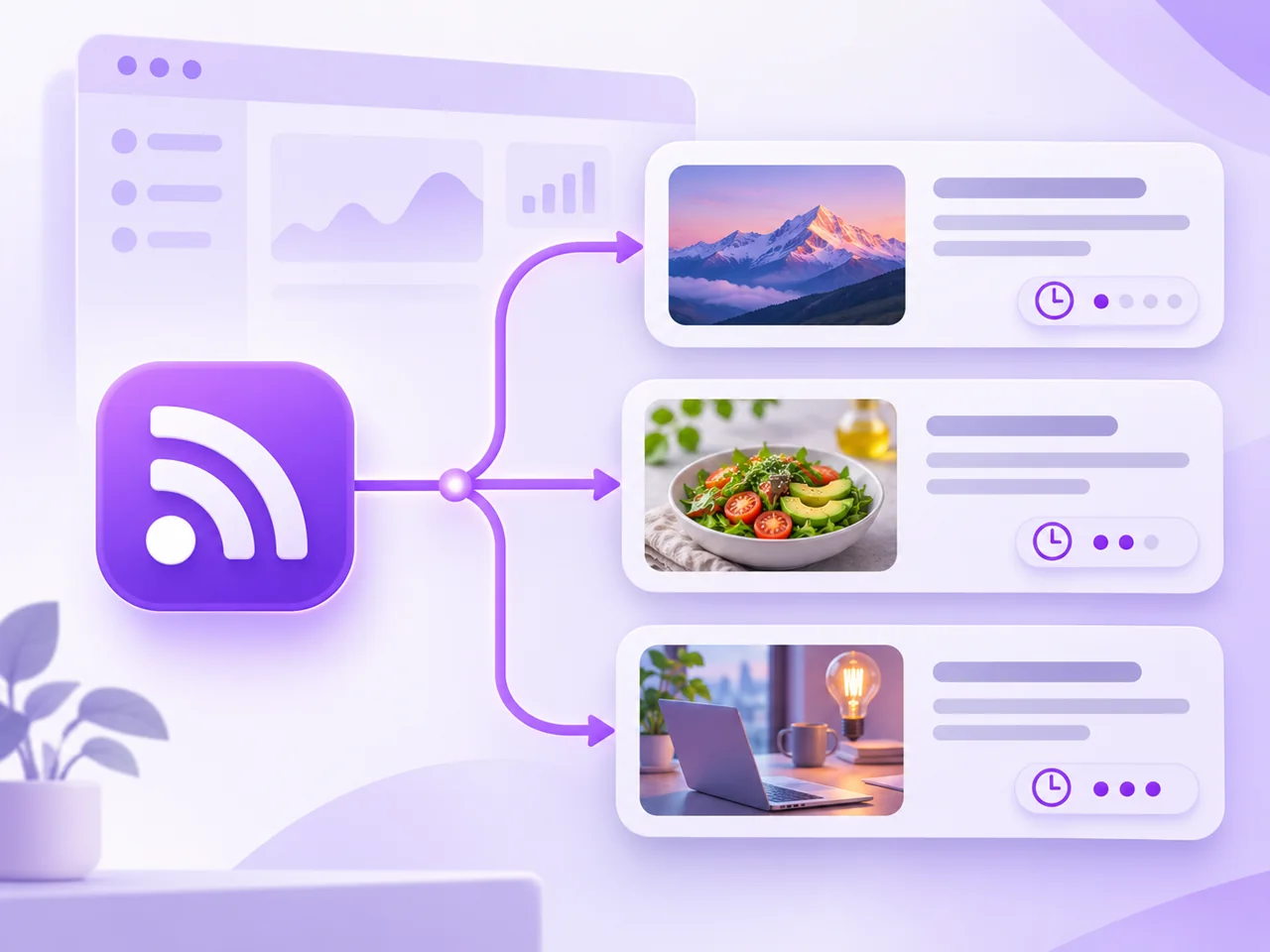
Connect any RSS feed to automatically fetch, schedule, and publish fresh content across all your social channels. Effortlessly keep your profiles active with news, blog posts, or updates from any website – always up-to-date, even when you're offline.

Save time and never miss an update: Instantly share the latest articles, podcasts, or videos from any RSS source to Facebook, Instagram, X, TikTok, and more — hands-free and always on schedule.
Automate your routine, track what matters, and focus on what drives real growth — all in one intuitive platform.
See all your scheduled and published content across every channel in a single, intuitive calendar.
Easily manage and switch between multiple brands, clients, or social profiles from one dashboard.
Ready-made AI templates to instantly generate creative content ideas tailored to your goals.
Quickly plan, move, or reschedule your posts with simple drag-and-drop gestures.
Instantly create captions, posts, and creative ideas using advanced AI models, tailored to your brand.
Get real-time insights and actionable reports to measure your social performance and growth.
Set your content to auto-publish at the best times, so you never miss peak engagement hours.
Invite your team, assign roles, comment, review, and approve content seamlessly within the platform.
Upload, organize, edit, and reuse all your images and videos in one secure place.
Automatically add your logo or watermark to every post for consistent, professional branding.
Draft, review, and approve posts before they go live, ensuring quality and compliance every time.
Shorten URLs and track clicks to optimize your campaigns and boost engagement.
Get started in minutes. Manage all your social media, automate posting, and grow your brand with ease.

Step 1
Pick a package that fits your needs—start with Free or unlock Pro for advanced features.
Step 2
Link all your social accounts—Facebook, Instagram, X (Twitter), TikTok, YouTube, and more—in just a few clicks.
Step 3
Schedule, publish, and analyze content—all in one dashboard, powered by AI automation and actionable analytics.
Example workflows
Two ways to organize your work, from planning to measuring what happened.
Independent creator
Start with a few ideas, draft captions for each channel, and schedule what is ready. After publishing, use the available post metrics to decide what to make next.

Small marketing team
Organize connected accounts and posts by workspace. Use the calendar to spot overlapping campaigns, then review publishing results and available analytics by channel.
Choose an affordable plan packed with top features to engage your audience, create loyalty, and boost sales.
Trusted by secure payment service


Answers about channels, publishing, AI, analytics, and your subscription.
PlanniX is software for planning and publishing social content and reviewing performance in one workspace. It is owned and operated by QuatroBytes LLC.
Open Add channels to see the networks and account types available for your workspace. Availability depends on your plan, the integration status, and the network’s rules.
Open Channels, choose Add channels, and select the network and account type. Follow the network’s authorization screen and choose the account or page you want to connect.
A network can expire or revoke a connection, or require consent for new permissions. Use the reconnect action and review the requested permissions on the network’s authorization screen.
Create a post, select a connected channel, add your caption and media, and choose a date and time. Check the preview and schedule it when ready.
Choose the immediate publishing option where it is available for the selected channel and format. The publishing status will tell you whether the network accepted the post.
Practical guides to planning, publishing, and measuring content with PlanniX.
Product Guides
Build a realistic publishing schedule, catch gaps, and review the results without juggling spreadsheets.
Product Guides
Turn a short brief into a caption and visual you can review, adapt, and schedule.
Plan your next post, connect a supported channel, and see what worked.
Get started© 2026 QuatroBytes LLC. PlanniX is a QuatroBytes LLC product.
